Best Laptops for College Students Under $800
The college budget sweet spot. Under $800, you get reliable laptops that handle lectures, research, papers, and the occasional Netflix binge. These last through a 4-year degree without drama.
Updated: January 28, 2026
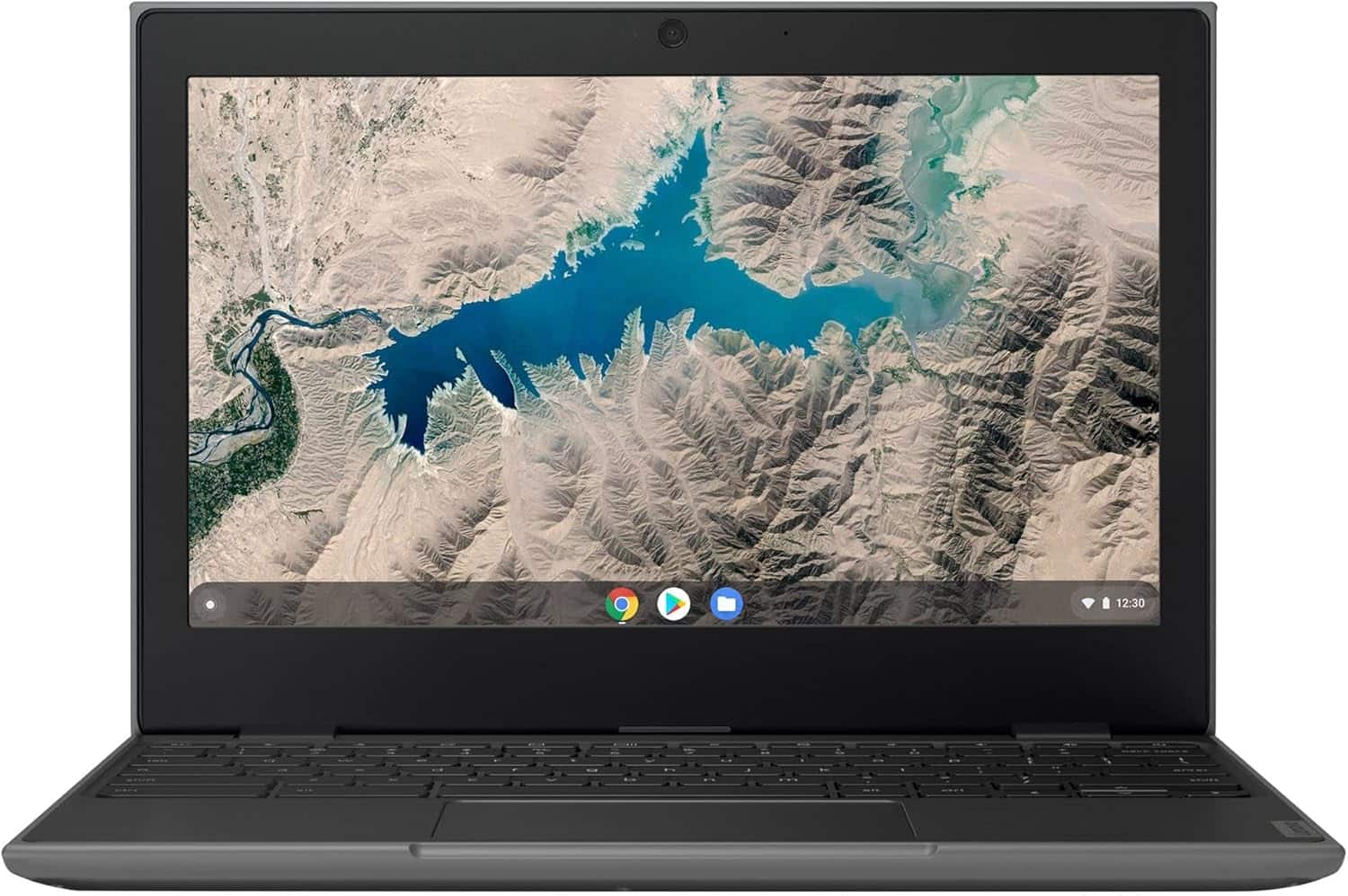
100e/300e/500e Education Chromebooks - 100e Gen 2 / AMD A4 / 4GB RAM / 32GB
A rugged, education-focused 11.6-inch Chromebook. The 100e Gen 2 is built to withstand classroom use with a durable, spill-resistant design. Powered by a basic AMD A4 dual-core processor and 4GB of RAM, its performance is suitable for essential learning applications, web browsing, and document editing on Chrome OS. The 32GB of storage is minimal, intended for cloud-centric workflows. It's a no-frills, durable device designed for affordability and reliability in school environments.
View Deal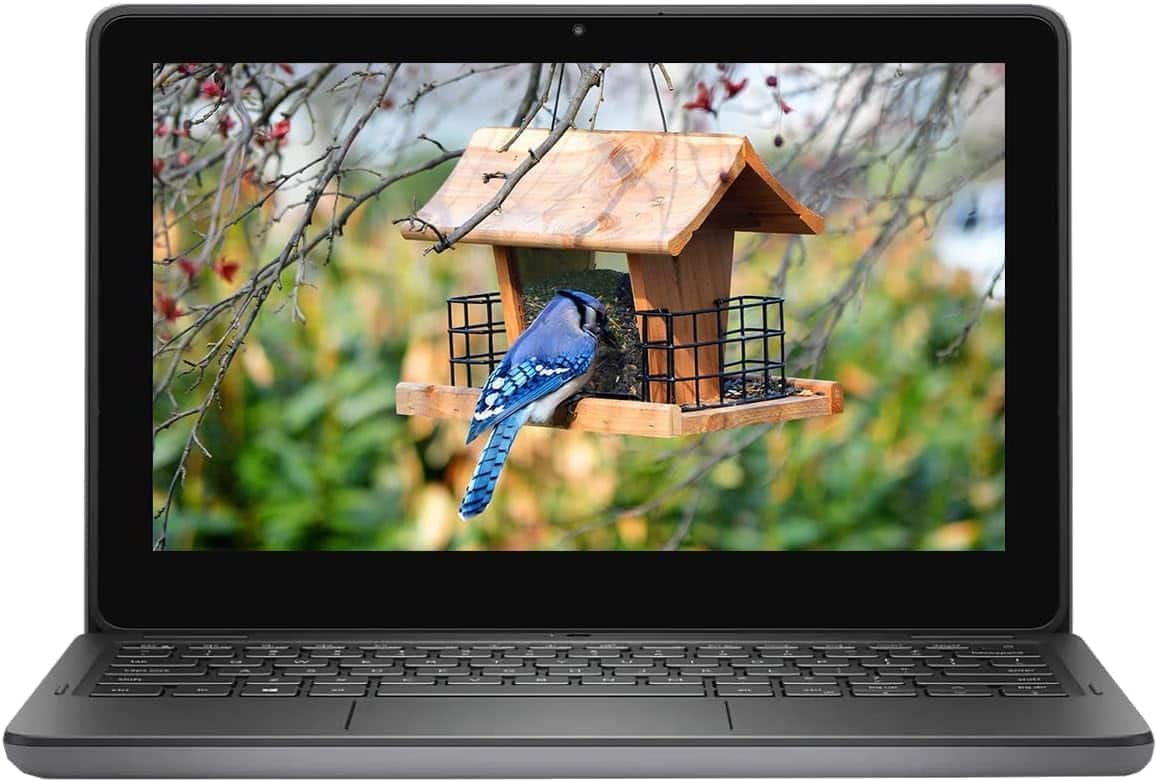
Latitude 3120 11.6" 2-in-1 Laptop - Pentium N6000 / 8GB / 256GB
A compact and durable 11.6-inch 2-in-1 laptop designed for the education sector or users needing a small, versatile device. The Intel Pentium processor and 8GB of RAM are suitable for light productivity tasks like web browsing, document editing, and video calls. The 2-in-1 design with a touchscreen adds flexibility for use as a tablet. Its small size and rugged build make it a good choice for students or as a secondary travel device.
View Deal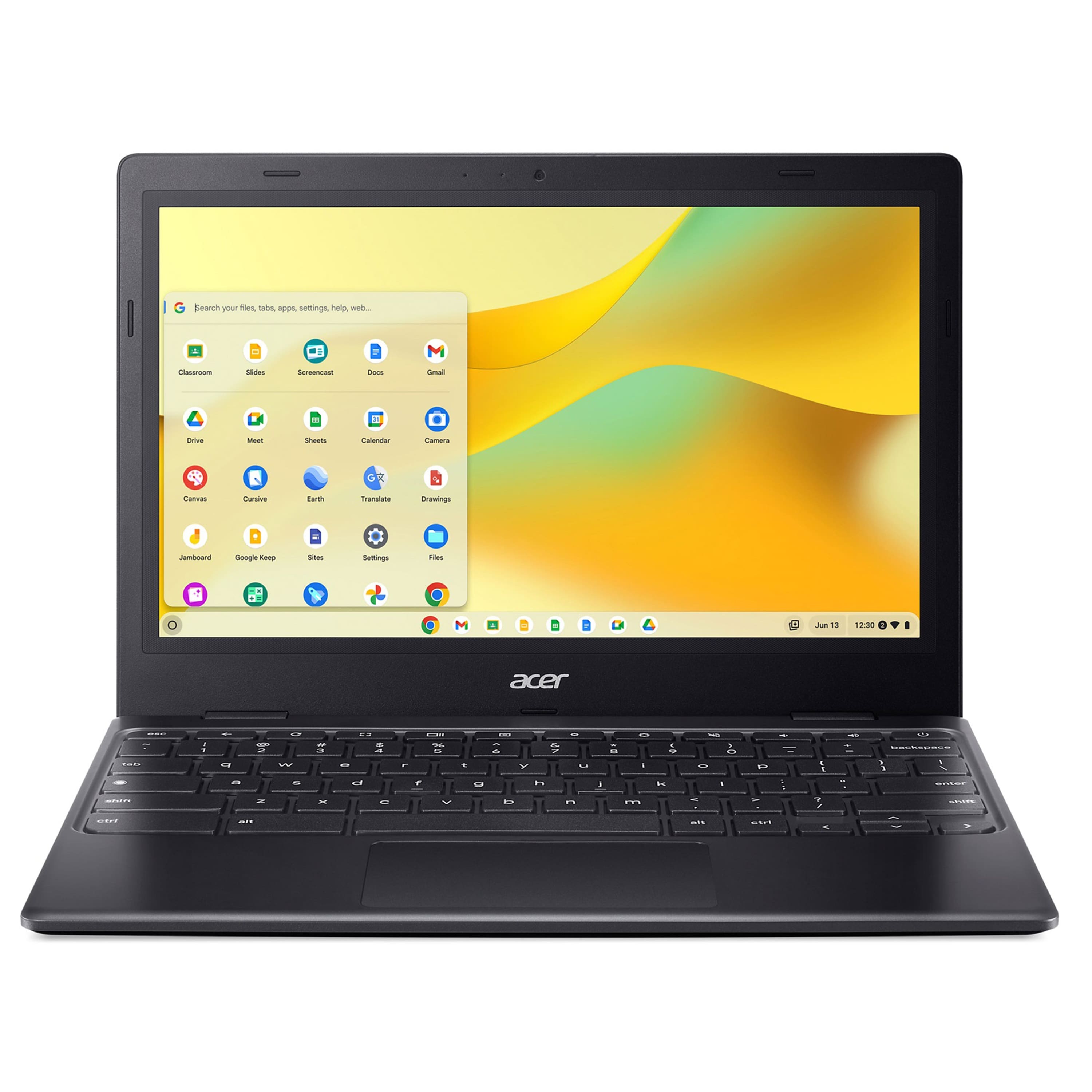
Chromebook 311 11.6" HD Laptop - 4GB RAM / 64GB eMMC
An ultra-portable and budget-friendly 11.6-inch Chromebook designed for students and basic productivity. The Intel Celeron N4500 dual-core processor and 4GB of RAM are sufficient for web browsing, document editing, and streaming, but will struggle with heavy multitasking. Its 64GB eMMC storage is limited but adequate for the cloud-centric Chrome OS. The compact, lightweight design (around 1.2kg) and decent battery life make it ideal for on-the-go use. Build quality is plastic but durable enough for school environments. Not suitable for demanding applications or gaming.
View DealWant personalized recommendations?
Tell us exactly what you need and get curated picks in seconds.
Get the App — Free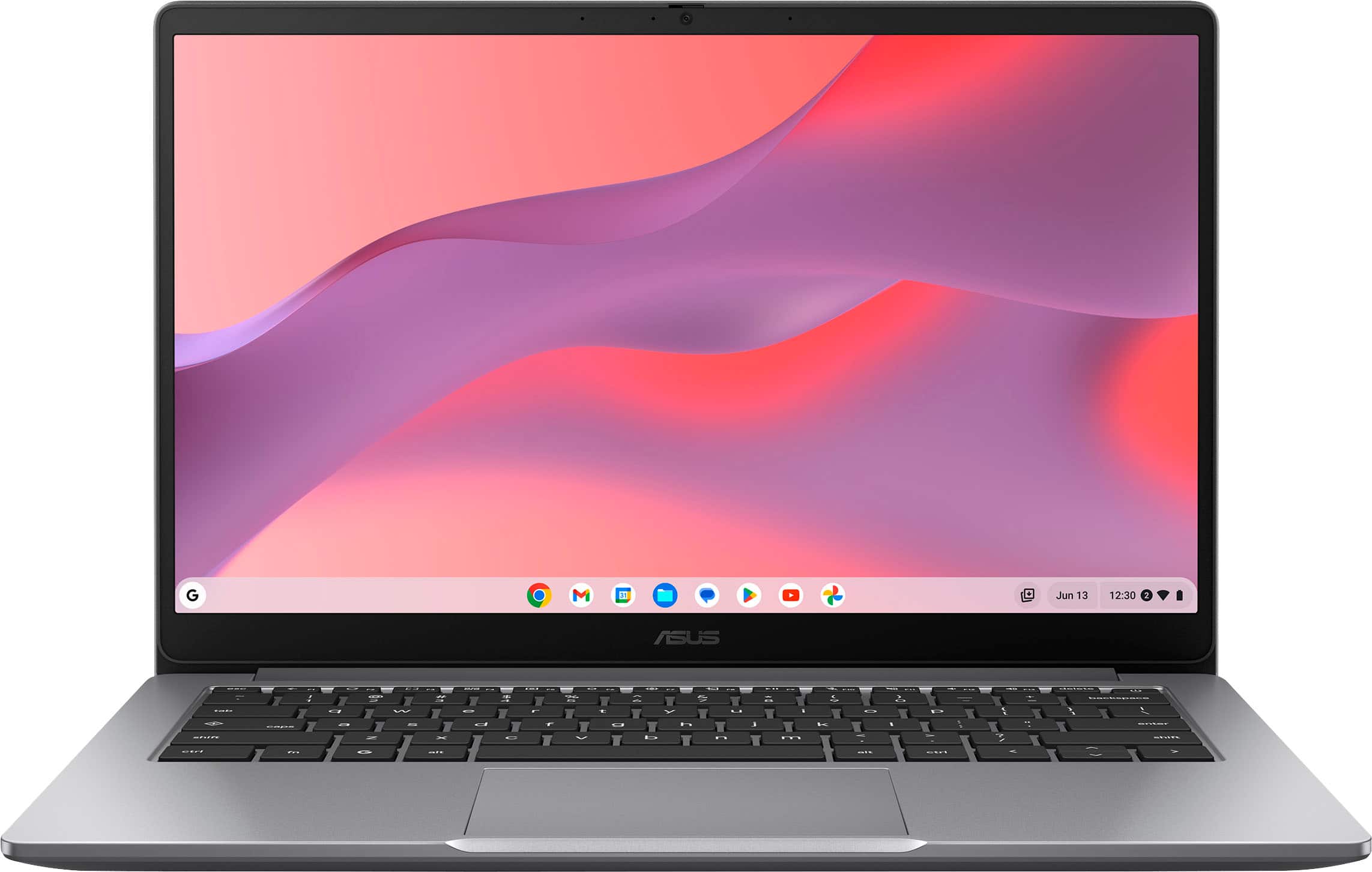
Chromebook CX1 14" Laptop - 4GB / 64GB / FHD
A budget-friendly 14-inch Chromebook that offers a significant visual upgrade with its Full HD (1920x1080) display. Powered by an Intel Celeron N4500 processor with 4GB of RAM and 64GB of eMMC storage, it's best suited for single-tasking activities like web browsing, streaming video, and using cloud-based productivity apps. The FHD screen makes it a much better choice for media consumption than its HD counterpart. Its lightweight design and long battery life make it a solid option for students on a tight budget.
View Deal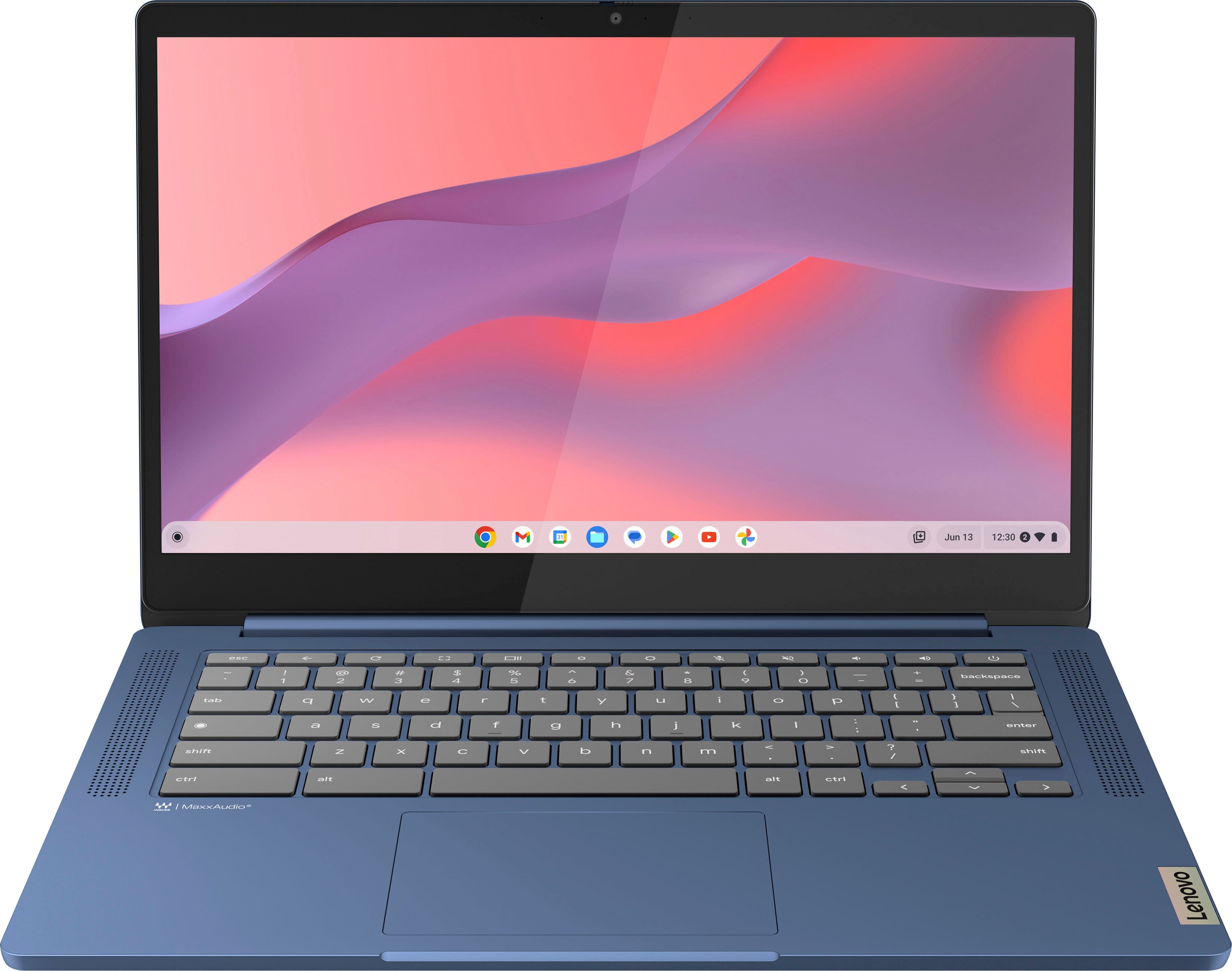
IdeaPad Slim 3 14" Chromebook - FHD / Touch
This top configuration of the IdeaPad Slim 3 adds a responsive touchscreen to the 14-inch FHD IPS display, enhancing interactivity with Chrome OS and Android apps. It retains the efficient 8-core MediaTek Kompanio 520 processor, excellent battery life, and slim profile of its siblings. While the 4GB of RAM is still a constraint for power users, the touchscreen makes this a more versatile and engaging device for media consumption, browsing, and light productivity, representing great value in the budget category.
View Deal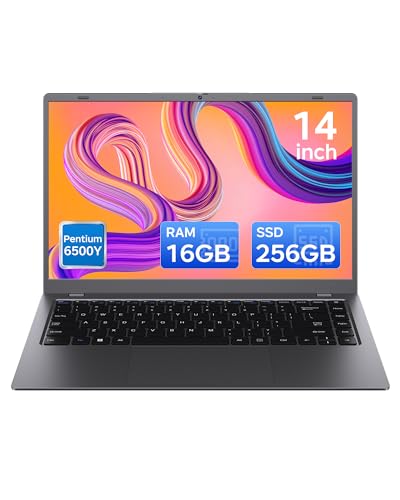
NCS14Y 14 inch Laptop - 16GB RAM / 256GB SSD Gray
A budget-friendly 14-inch laptop designed for basic daily tasks. The Intel Pentium Gold 6500Y processor and a generous 16GB of RAM handle web browsing, document editing, and video streaming adequately. The 256GB SSD provides fast boot times but offers limited storage. Its main strengths are portability and a high amount of RAM for its price class, making it suitable for students or as a secondary machine. The dual-core CPU will struggle with demanding applications, heavy multitasking, or any gaming. Build quality and long-term reliability are potential concerns from an unknown brand.
View Deal
BTC501 15.6" Laptop - 16GB RAM / 512GB SSD
A budget-friendly 15.6-inch laptop designed for everyday tasks like web browsing, streaming, and document editing. It is powered by an Intel Celeron N5095 quad-core processor, paired with a generous 16GB of RAM and a 512GB SSD, offering a responsive experience for basic use. Notable features for its class include a backlit keyboard and a fingerprint reader. While capable for light productivity and student work, the Celeron CPU will struggle with demanding applications or heavy multitasking. A solid choice for users seeking value.
View Deal
E410KA 14" FHD Laptop with Intel Pentium N6000 - 4GB RAM / 64GB eMMC
A very affordable 14-inch laptop for students or users with minimal needs. The quad-core Intel Pentium N6000 is a step up from Celeron but still strictly for basic tasks like web browsing, email, and streaming. With only 4GB of RAM and 64GB of slow eMMC storage, performance is limited and multitasking is not recommended. The Full HD display is a good feature for the price. Some listings bundle this laptop with docking stations to expand storage, but the core device remains a low-performance machine.
View DealWant personalized recommendations?
Tell us exactly what you need and get curated picks in seconds.
Get the AppFrequently Asked Questions
What specs do I need for college?
8-16GB RAM, 256GB+ SSD, and a modern processor. That handles 99% of coursework.
Chromebook or Windows?
Windows for flexibility. Chromebooks work if you're 100% browser-based and want simplicity.